
Apply · Invitations
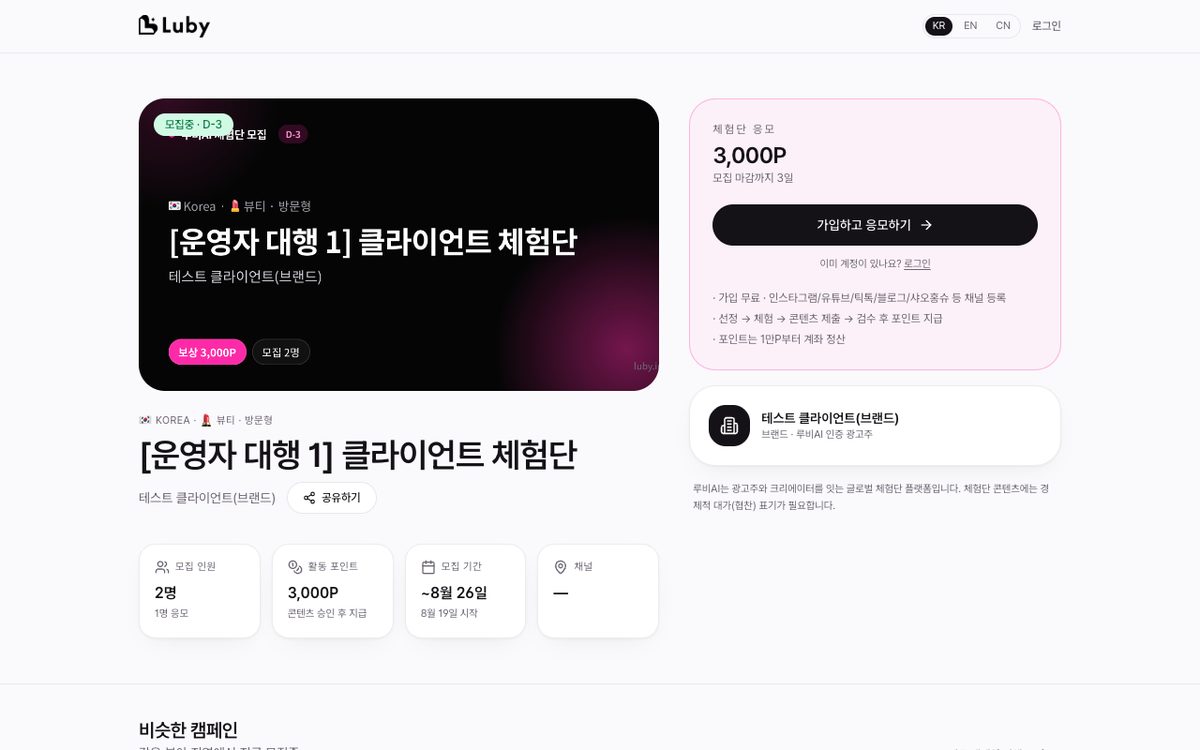
- On the details page, click Apply → write an application message (optional). Pressing AI Draft fills in 2–3 sentences based on the campaign mission and your profile (editable). If competition is high, differentiate with a specific plan, focus on the channels you actually have, and never fabricate channels you haven't registered or experience you don't have. Completed experiences on Luby AI can be cited as proof of credibility
- While your application is pending, you can Cancel Application. Duplicate applications to the same campaign aren't allowed
- If invited by an advertiser, go to
Dashboard → Received Invitationsto Accept (auto-apply) or Decline - Once selected, you'll get a notification/email → coordinate schedule with the advertiser via Chat (
Dashboard → Messages)
Was this page helpful?
Last updated 2026-08-19